
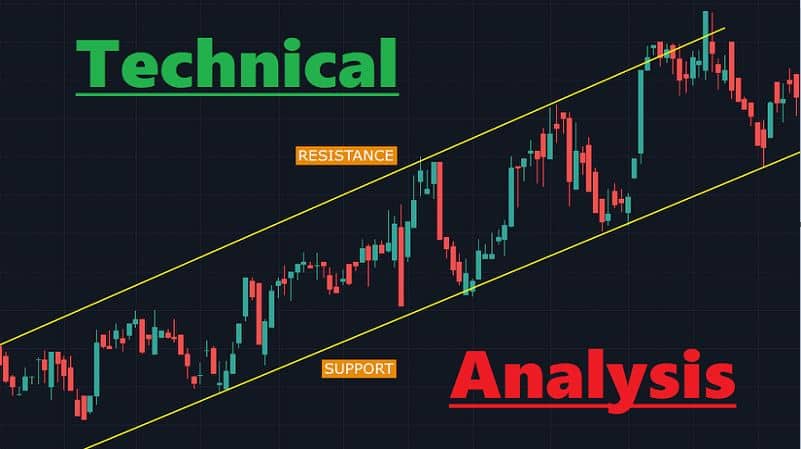
For many aspiring traders, looking at a raw price chart is like trying to read a foreign language. You see lines, candles, and colors, but the “story” the market is telling remains a mystery. This is where Navexx AI (navexxai.site) changes the game.
By using its advanced AI Image Recognition, you can turn a confusing image into a structured learning opportunity. Here is a step-by-step guide on how to use Navexx AI to sharpen your technical analysis skills.
Step 1: Capture the Moment
When you are studying the market on platforms like TradingView or MetaTrader, you will often see a price movement that looks interesting but confusing. Instead of guessing what is happening:
-
Take a clear screenshot of the chart.
-
Ensure your indicators (like RSI or Moving Averages) are visible if you want the AI to consider them.
-
Pro Tip: Keep the timeframe (e.g., 15m, 1h, or Daily) visible so the AI can understand the context of the trend.
Step 2: Upload to the Navexx “Command Center”
Once you log in to navexxai.site, head to the “Analyze” section. Here, you can simply drop your JPG or PNG file into the AI analyzer. This is where the magic happens. The AI doesn’t just “see” an image; it scans for mathematical patterns, support zones, and resistance levels that the human eye might overlook due to emotional bias.
Step 3: Compare and Verify (The Study Phase)
This is the most important part of your learning journey. Before you read the AI’s feedback:
-
Make your own prediction: Write down if you think the chart looks Bullish or Bearish.
-
Identify patterns: Do you see a “Double Top” or a “Flag Pattern”?
-
Read the AI Analysis: Now, compare your notes with the Navexx AI output.
If the AI identifies a pattern you missed, go back to your chart and look for it. This “feedback loop” is the fastest way to train your brain to recognize high-probability setups.
Step 4: Decode the Sentiment Signals
Navexx AI provides clear Bullish/Bearish signals based on the data it fetches and the image it analyzes. Use this to understand “Confluence.” If your manual analysis, the AI’s chart reading, and the market sentiment all point in the same direction, you have found a high-probability study case.
Why This Method Works for Students
-
Eliminates Second-Guessing: New traders often suffer from “analysis paralysis.” The AI provides a neutral second opinion.
-
Builds Visual Memory: By repeatedly seeing how AI identifies “Breakouts” or “Rejections,” you begin to spot them naturally.
-
Saves Time: What used to take hours of manual backtesting can now be verified in seconds.
Conclusion: The Future of Trading Education
The goal of using Navexx AI isn’t to let a machine do all the work—it’s to use that machine to make you a smarter, more disciplined trader. By integrating chart recognition into your daily study routine, you aren’t just following signals; you are learning the language of the markets.
Ready to test your analysis? Upload your first chart at navexxai.site and see what the AI discovers today.
